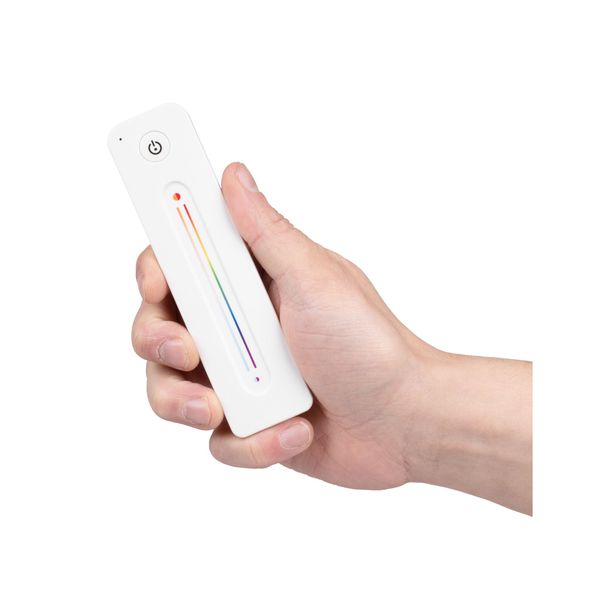
LED strip remote control AGGE RGB+CCT Touch Slide, RF 2.4 GHz
A modern remote control for RGB+CCT light strips, allowing you to adjust the brightness, color temperature and light color of one or more LED strips, as well as turn them on and off. Works with a 2.4 GHz radio frequency and can be paired with any control unit operating on the same frequency. IP20 rating.
Select option:
Product Faq
A modern remote control for RGB+CCT light strips, allowing you to adjust the brightness, color temperature and light color of one or more LED strips, as well as turn them on and off. Works with a 2.4 GHz radio frequency and can be paired with any control unit operating on the same frequency. IP20 rating.
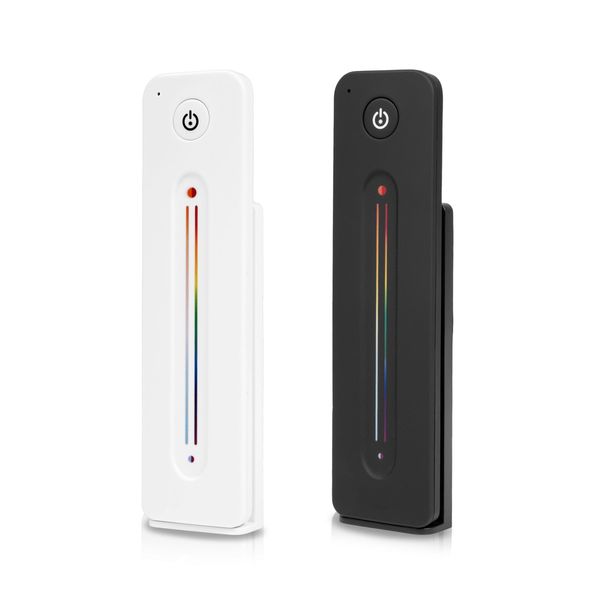
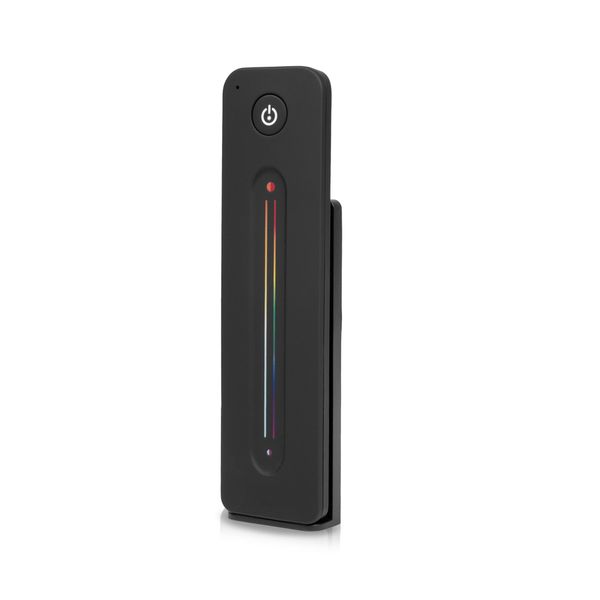
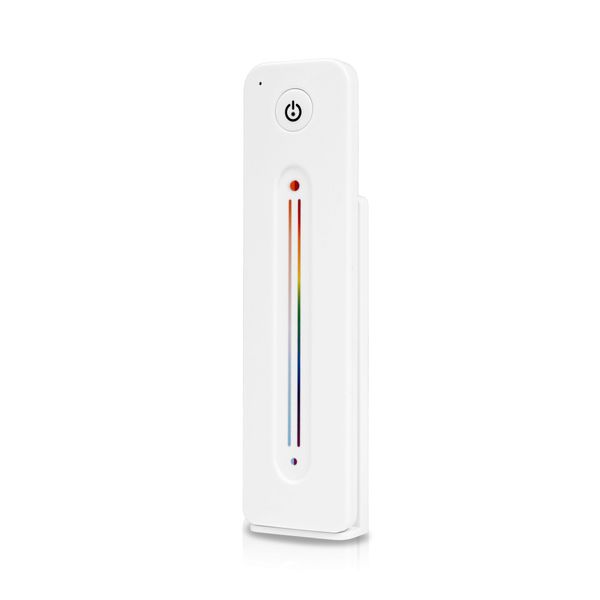
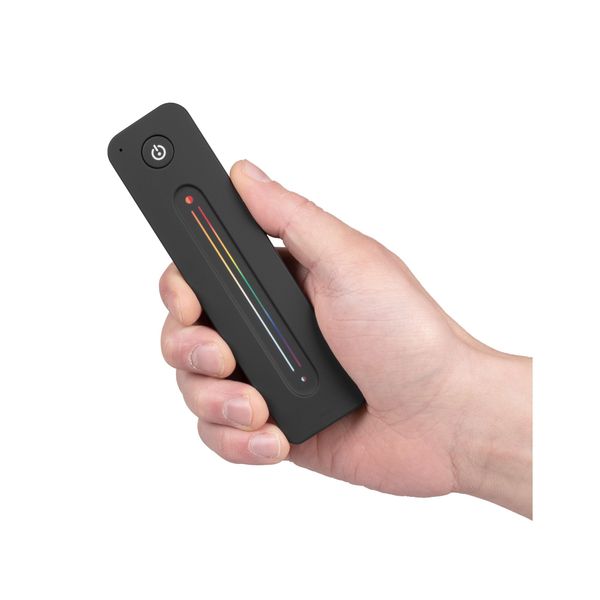
AGGE RGB+CCT Dimming Touch Slide is a modern remote control for RGB+CCT light strips, featuring an On/Off button and a touch slide switch that allows for stepless adjustment of light output, light color, and color mode. The remote control operates on a 2.4 GHz radio frequency and can be paired with any LED strip control unit that operates on the same frequency. Together with the control unit, the remote control enables easy and effortless adjustment of the light strip, meaning that in order for the remote control to work, it always needs a control unit connected to the light strip as a companion. Multiple control units can also be connected to the same remote control, which makes it possible to operate all the LED strips in the home with the same remote control. In an obstacle-free environment, the operating range of the remote control is approx. 30 meters, meaning that it allows remote control of the light strip even from across the room.
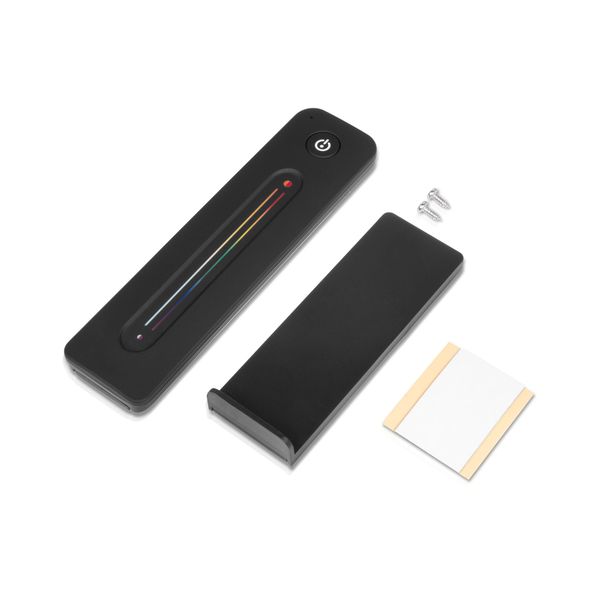
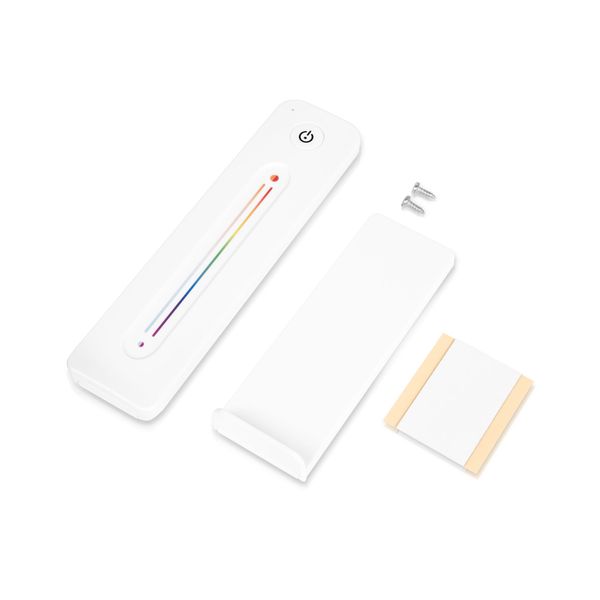
The package includes a sleek wall mount designed for the remote control, to which the control is attached with a magnet on the back. This makes it easy to remove the remote control during use and return it to the mount after use, so it is always safe. The wall mount can be attached to the wall either with the included mounting screws or with adhesive tape. The remote control operates on a single CR2032 battery (included), which lasts up to about a year, meaning you don't have to constantly change the battery. The remote control is intended for dry indoor use (IP20). Available in black or white. Two-year (24-month) warranty!
Note! To work, the remote control needs a companion LED strip control unit. From the product options, you can choose either just the remote control or a complete set that includes both the remote control and the AGGE RGB+CCT Color Controller control unit.
To control the LED strip with your phone as well as the remote, use the AGGE 5-in-1 Color phone controller.
This remote control is designed to work with this light strip, which features both adjustable color temperature (CCT) and RGB colors.
Delivery content
- AGGE RGB+CCT Dimming Touch Slide Remote Control
- 1 x CR2032 battery
- Wall mount
- Mounting screws for wall mount
- Mounting sticker for wall mount
- Instructions for use (FI/EN/SE/NO/DK)
Specifications 
- Product: AGGE RGB+CCT Dimming Touch Slide
- Purpose: Remote control of LED strip
- Compatible with RGB+CCT strips
- Operates on 2.4 GHz radio frequency
- Battery: 1 x CR2032 (included)
- Battery life: approx. 12 months
- Operating range: approx. 30 m
- IP rating: IP20
- Remote control electric number: 2619820 (black) / 2619821 (white)
- Remote control SKU: 20092 (black) / 20093 (white)
- Other: The package includes a wall mount
- Warranty: 24 months
Quick Guide
Getting started: Open the remote control battery compartment and remove the insulating plastic between the battery and the remote control.
Pairing: Press the Match button on the receiver/control unit briefly and immediately press the On/Off button on the remote control briefly. The receiver indicator light will flash a few times to indicate successful pairing.
Unpairing: Press and hold the Match button on the receiver for about 5 seconds, the receiver's indicator light will flash a few times to indicate that the pairing has been unpaired.
Using the remote control:
- On/Off: Press the power button on the top of the remote control once to turn the LED strip on or off.
- Light intensity adjustment: Press and hold the power button for 1-6 seconds to adjust the light intensity.
- Color temperature and color adjustment: When the light strip is on, double-click the power button to switch the slider functions between color temperature adjustment and light color adjustment, then slide your finger on the switch to change the color temperature/light color.
Note: An unlimited number of control units can be connected to one remote control, and 10 remote controls can be connected to one control unit.
You can find manufacturer's user manual by clicking here.