Video lighting VIJIM R70, RGB
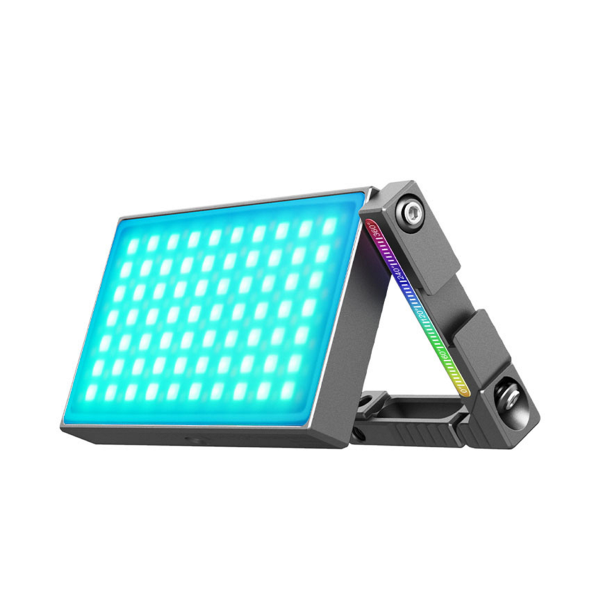
Compact video lighting with RGB light and 20 different modes, the high color rendering index (> 95) and versatile functions make it ideal for photography. Declared color temperature is 2700 - 8500 K, light color and adjustable saturation of colors. Stepless power control.
Product ratings
5.0
number of ratings 2- Hinta ja laatu kohtaa hyvin.Marko H 11.11.2022

0
0
Product Faq
Compact video lighting with RGB light and 20 different modes, the high color rendering index (> 95) and versatile functions make it ideal for photography. Declared color temperature is 2700 - 8500 K, light color and adjustable saturation of colors. Stepless power control.
VIJIM R70, RGB is a rechargeable video/photo light that is perfect for those who require the optimal light for content creation. The color temperature of the light can be adjusted between 2700K and 8500K, and in addition, all the colors of the light spectrum can be created thanks to its RGB function and its saturation can be adjusted from 0% - 100%. The lamp has 20 different light effect modes where it can, among other things, imitate police and traffic lights. With the help of the various functions, it is possible to create unique and natural effects that make content creation easy and interesting. All light effects and colors can be adjusted steplessly, this ensures fine sensitivity of the desired effect. The lamp has a very high CRI value (> 95), i.e. color rendering index, an index that reproduces the colors as naturally as possible, and is therefore also excellent for portrait photos, among other things.
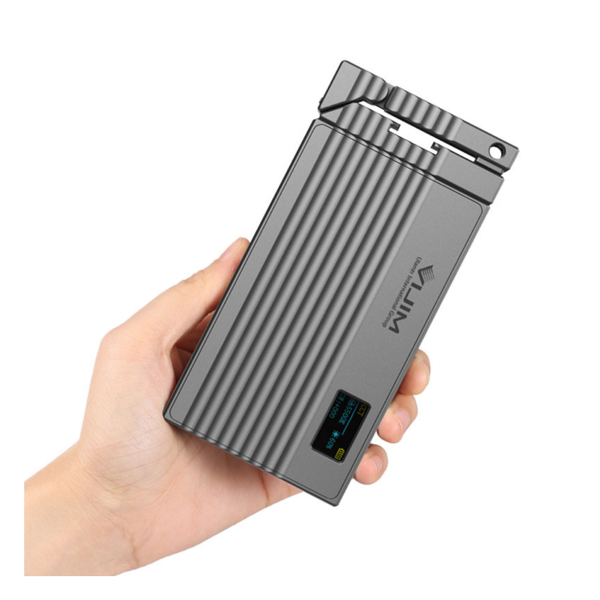
Adjustment of the lamp's functions is adjusted using the button control on the side of the lamp, and together with the small LCD screen one can see the exact settings. The LCD screen makes it possible for you as a user to see your settings and functions in real time, so it will always be as you intended. The functions can also be adjusted when the lamp is off, which helps one prepare for use without affecting the shooting environment. VIJIM R70, RGB has a battery life of 2-10 hours depending on use, of course the lamp can be used while charging, which is optimal for long sessions.
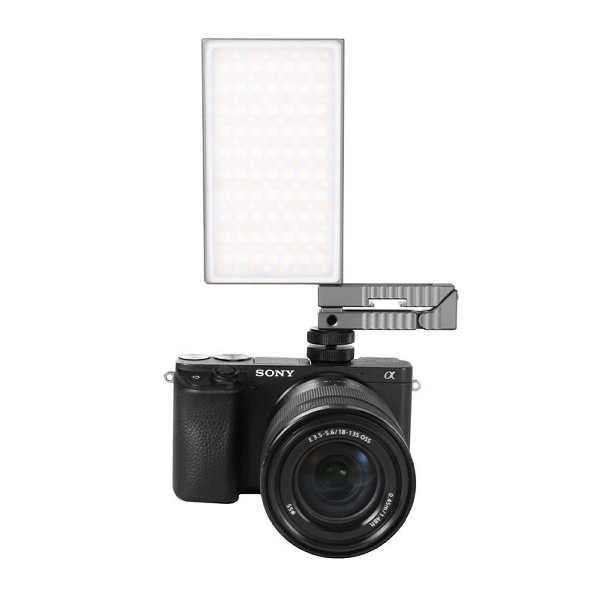
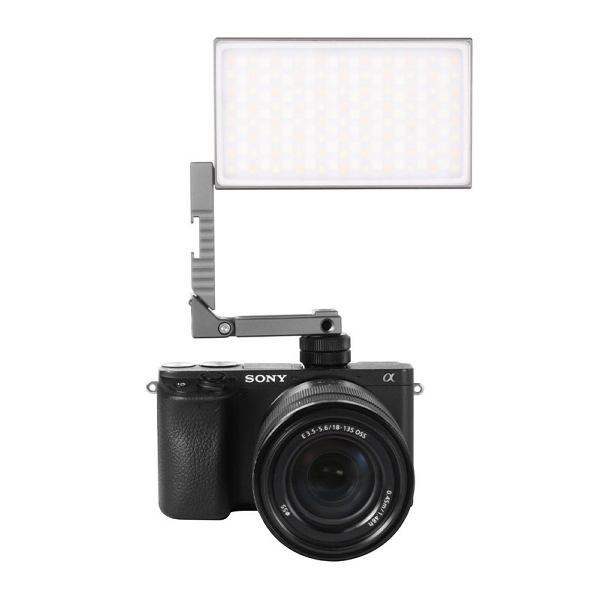
The lamp is equipped with a three-point mounting arm, which can be attached with a 1/4" thread directly to a camera, tripod or other photo stand. The light can be rotated 360° around its base, which allows it to be installed in different positions to provide light in the desired direction and desired angle. The lamp can also be mounted without the arm, so it can be placed on the floor or other flat surfaces, or it can be attached to metal surfaces with a magnet. A 1/ There is also a 4" thread on the underside of the light, so it can be attached directly to a tripod or camera if needed.
Note! Compatible with, for example: Video lighting arm Vijim LS08 Flexible arm
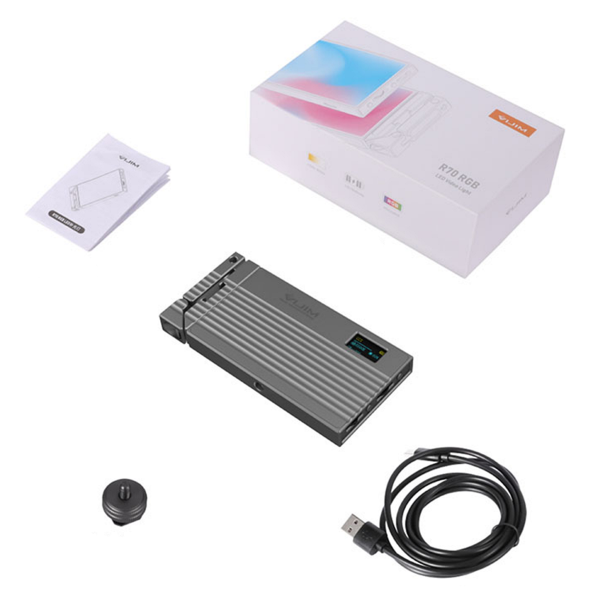
Content
- VIJIM R70, RGB
- USB-C charging cable
- 1/4" threaded adapter
- User manual (EN)
Technical specification

- Brand and model: Video Light Vijim R70, RGB
- Area of use: As photo and video lighting
- Max power: 6 W
- Battery: Built-in 5000 mAh Li-ion
- Battery life: 2 - 10 hours
- Illumination angle: 120°
- Color temperature: 2700 - 8500 K
- Light color: Adjustable
- Range: 0.3m @ 3200 LUX
- CRI value: > 95
- Operating modes: 20
- Charging: USB-C
- Charging time: approx. 2.5 h (Can be used while charging)
- Dimensions: 120 x 69 x 15 mm (Length x Width x Depth)
- Weight: 269 g
- Warranty: 12 months
Quick guide
On/off: The light is turned on and off by pressing the power button on the side of the lamp for a few seconds
Bright light: To adjust the bright light, press the button marked M on the side of the lamp repeatedly until "CCT" appears in the upper left corner of the display. You can then adjust the color temperature and brightness by turning the controls on the side of the lamp.
RGB Light: Adjust the colored light by pressing the button marked M on the side of the lamp repeatedly until "HSI" appears in the upper left corner of the screen. You can then adjust the hue and saturation with the sliders.
Operating modes: To adjust the operating modes, press the button marked M on the side of the fixture repeatedly until "SCENE" appears in the upper left corner of the display. You can then change the operating mode and its power mode with the sliders.
Charging : Connect the USB-C charging cable that comes with the fixture to the charging port on the side of the fixture. A battery image appears on the LCD screen to indicate battery charge status.