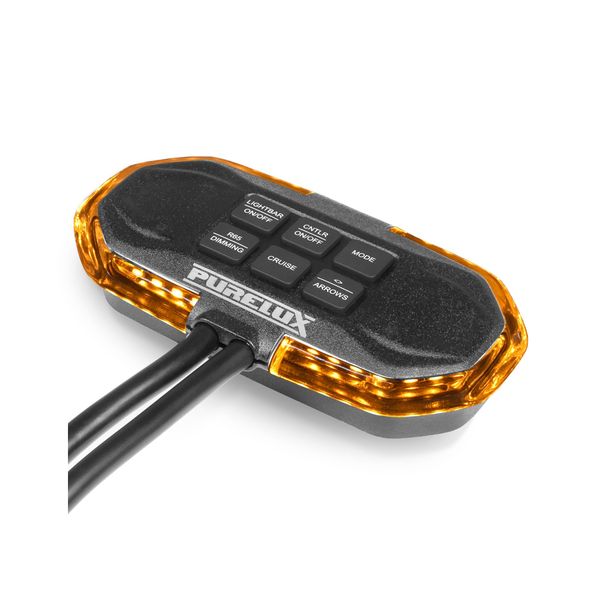
Control panel PURELUX Flash Panel Controller Gen2
A control panel for Purelux's Flash Gen2 warning lights, allowing you to control the light's functions directly from the cab. The control panel can also be set to simulate the operating mode of the warning light, so the driver doesn't have to leave the vehicle to check which function is active!
Product ratings
4.8
number of ratings 4- Helt okej med tanke på priset. Dock så hör man lite hur den jobbar i sjölva dosan men inget som stör mig. Även att den hoppar ur sync ibland är trötts...Oscar A 19.11.2025

2
0
Product Faq
A control panel for Purelux's Flash Gen2 warning lights, allowing you to control the light's functions directly from the cab. The control panel can also be set to simulate the operating mode of the warning light, so the driver doesn't have to leave the vehicle to check which function is active!
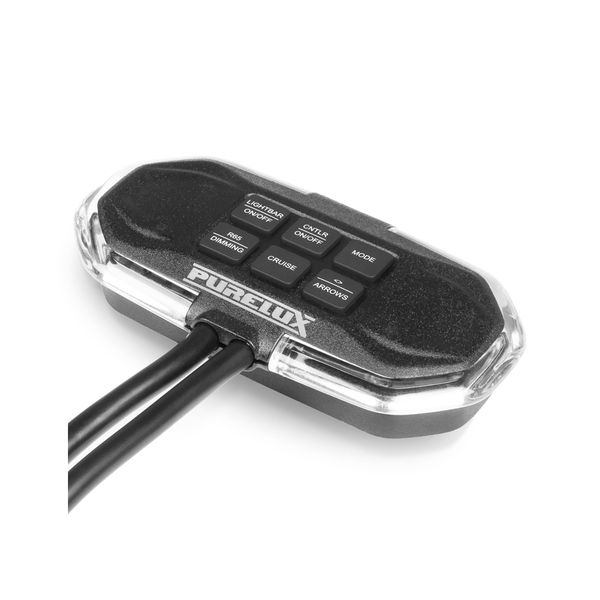
Purelux Flash Panel Controller Gen2 is a switch panel for Purelux's Flash Gen2 series warning light panels, which allows the lights to be easily operated directly from the vehicle's cockpit. The switch panel allows the warning light to be turned on and off and the operating mode to be changed. It also has its own shortcut buttons for the R65-approved warning light and its night and day modes, the turn signal for traffic control and the so-called driving mode, in which the warning light panel lights up steadily without flashing.
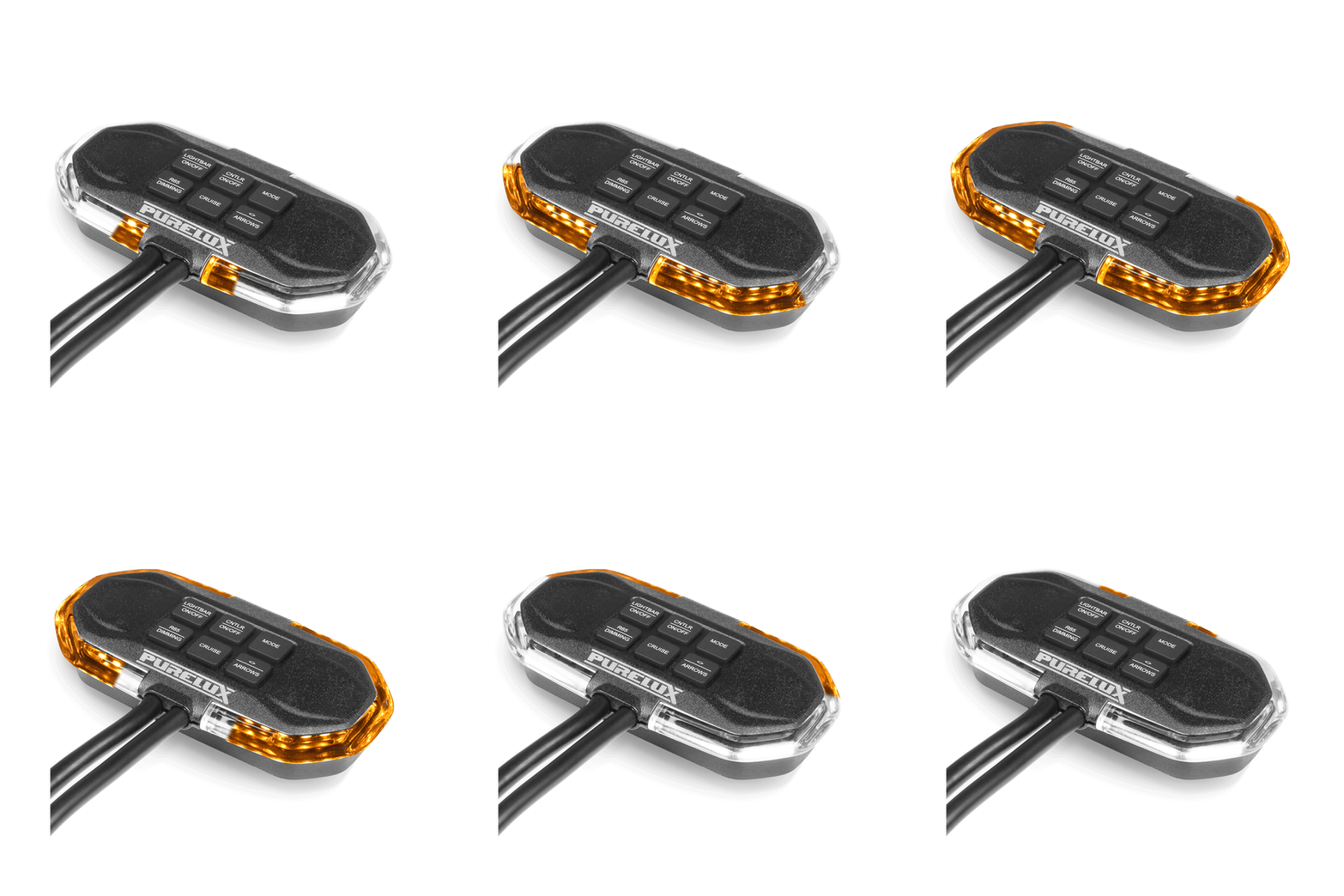
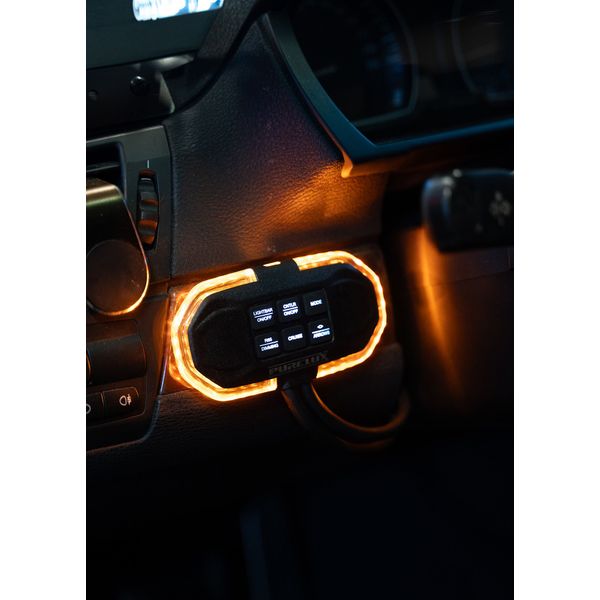
The Flash Panel Controller Gen2 makes selecting the operating mode of the warning light incredibly easy: when the warning panel light is switched on, the switch panel inside can be set to model the flashing function currently in use in the warning light. When the warning light operating mode is changed, it also changes in the switch panel. This makes it easy to select the appropriate operating mode. Once a suitable flashing function has been found, the switch panel light can be switched off, so that it does not disturb the driver while driving. Of course, the warning light itself will still be on. Thanks to this feature, the driver does not have to interrupt work and get out of the vehicle to see which function is in use, or touch the switches to change the operating mode.
The super handy Flash Panel Controller has its own buttons for all essential functions: On/Off button for the warning light and controller, Mode button, which can be used to change the hazard warning light's operating mode, turn signal button, which can be used to activate the turn signal either right or left, driving mode button, which can be used to set the light to burn steadily without flashing (Cruise), and a separate button for the R65-approved hazard warning light and its brightness adjustment (50% / 100%). The controller has a direct cable to the hazard warning light, with separate conductors for power, grounding and controlling the operating modes. The switch panel's own power cable is 250 cm long, so it can be connected even to a larger vehicle. The compact Flash Panel Controller has a magnet on the back, which allows it to be attached to any metal surface. A magnetic mounting background is also included, which allows the switch panel to be drilled to practically any point in the vehicle. Two-year (24-month) warranty!
You can find compatible Purelux Flash panels below.
- Purelux Flash Panel 600 Gen2
- Purelux Flash Panel 800 Gen2
- Purelux Flash Panel 1000 Gen2
- Purelux Flash Panel 1200 Gen2
- Purelux Flash Panel 1400 Gen2
- Purelux Flash Panel 1800 Gen2
Delivery content
- Purelux Flash Panel Controller Gen2
- Magnetic mounting background
- Screws for mounting the mounting base
- Installation instructions (FI/EN/SV/NO/DK)
Specifications 
- Product: Purelux Flash Panel Controller Gen2
- Intended use: Remote control of Flash Panel Gen2 warning lights
- Operating voltage: 10-36V
- Maximum current: 20A
- Connector: Straight wires, no connector
- Power cord length: 250 cm
- Connection cable length: 50 cm
- Dimensions: 120 x 60 x 10 mm (Length x Width x Depth)
- IP rating: IP69K
- Approvals: EMC: ECE R10, R65 Class 2, CISPR25 Class 5
- NOTE: Intended for use with Purelux Flash Gen2 lights only
- Warranty: 24 months
Quick guide
Coupling
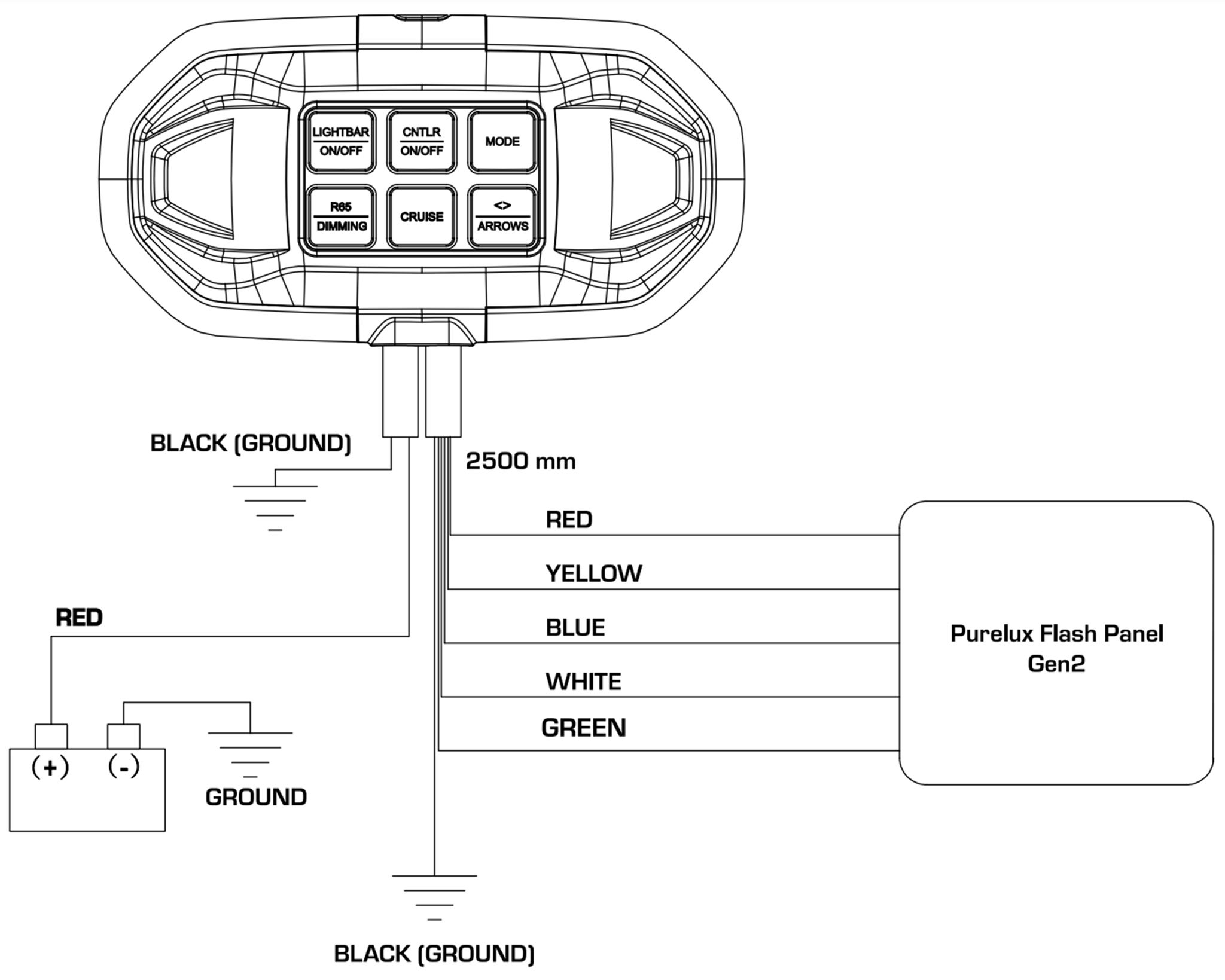
Connect both the power cable of the switch panel and the cable going to the light separately. Connect all the same colored cables together from the switch and warning panel. Connect the red cable of the switch panel to power and the black cable to ground. Synchronize the switch panel and the warning light to flash at the same time by connecting the yellow cable of the switch panel and each light to be synchronized. Once the cables are connected, press the MODE switch all the way down for about 10 seconds, after which the warning light and the switch panel will flash at the same time.
- Red: Power (+)
- Black: Ground (-)
- Yellow: Warning light functions + synchronization
- Blue: Warning light #1 (R65) / Night mode
- White: Even light
- Green: Traffic control left/right (connects to the brown wire on the beacon panel)
You can find the manufacturer's connection instructions by clicking here (opens in a new window).